
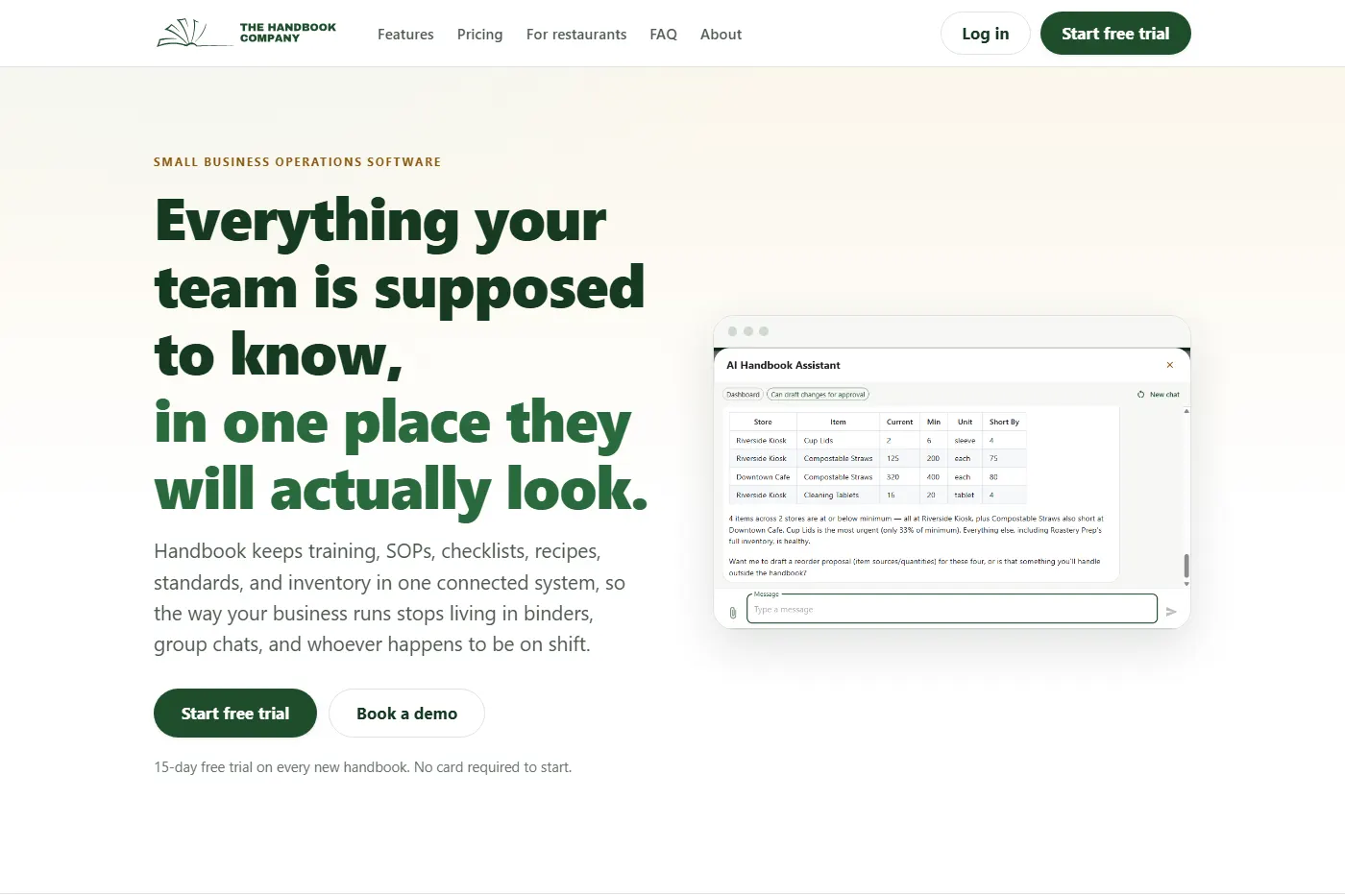
Our closing list says to clean the espresso machine, portafilters and wands and heads. To restock and face the grab and go fridge. To make the overnight oats, ten for the next morning and twelve if it is Thursday through Saturday night.
None of that is interesting, which is the point. It is the kind of knowledge that lives in somebody’s head until they are off that week, and then gets rediscovered slowly by whoever is on instead. Scatter enough of it across a binder, a group chat and one manager’s memory, and the shop only runs properly when the right people happen to be working.
Handbook is what we built for that, and the shop still runs on it. Four lists, Opening, Shift Change, Mid, Closing, which is where this starts.
The lists our own closing crew uses
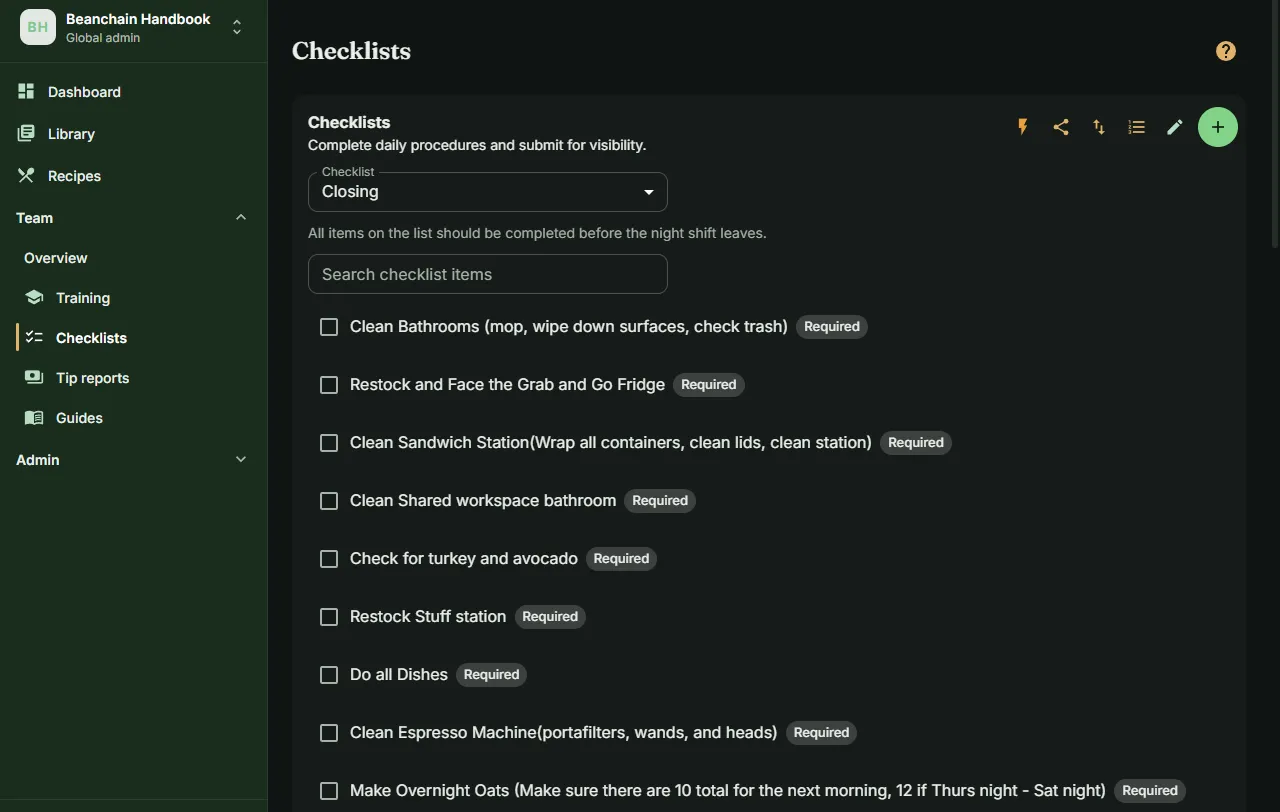
A checklist is a named list of items, some marked required, and it is always available rather than scheduled. An item can ask for more than a tick: a number with a unit, a short piece of text, or a photo, and the box will not close until it has what it asked for.
Two people can work the same list at once in a shared session, which records who ticked which box and when. A solo submission does not capture that, and for a handover between crews it turns out to matter. Our own Shift Change list carries the expectation in its own description: a member of the afternoon crew signs off before passing the shift on.
Afterwards a manager gets a feed of what was submitted, by whom, at what time, and what was recorded against each item. There is also a reminder, which exists because I filed the request myself, against my own shop, in the same queue our customers file theirs in. If nobody has submitted a list by its reminder time, in its own timezone, everybody gets a notification saying so, once per list per day. It is the newest thing in there.
Training that does not depend on who is on shift
Training is a path of ordered steps rather than a pile of documents, and each step can carry the SOPs and images it refers to, so what somebody reads in week one is the same material they check in month six. Everyone has their own progress on each step: not started, in progress, completed.
Admins get two more views on the same page. One for editing and reordering the path, and one showing every learner against it, with the current step marked, notes you can leave on a person’s progress, and a status you can override when real life did not match the record. A step can require a course to be passed first, and until it is, the step shows as blocked rather than quietly available.
The distinction that matters is between a step and a course. A step is a checkpoint somebody marks done. A course is graded, with modules and questions and a review queue for the answers people submit. Most of a café’s training is steps. Dialing in espresso is a course.
Counting in the order you walk the room
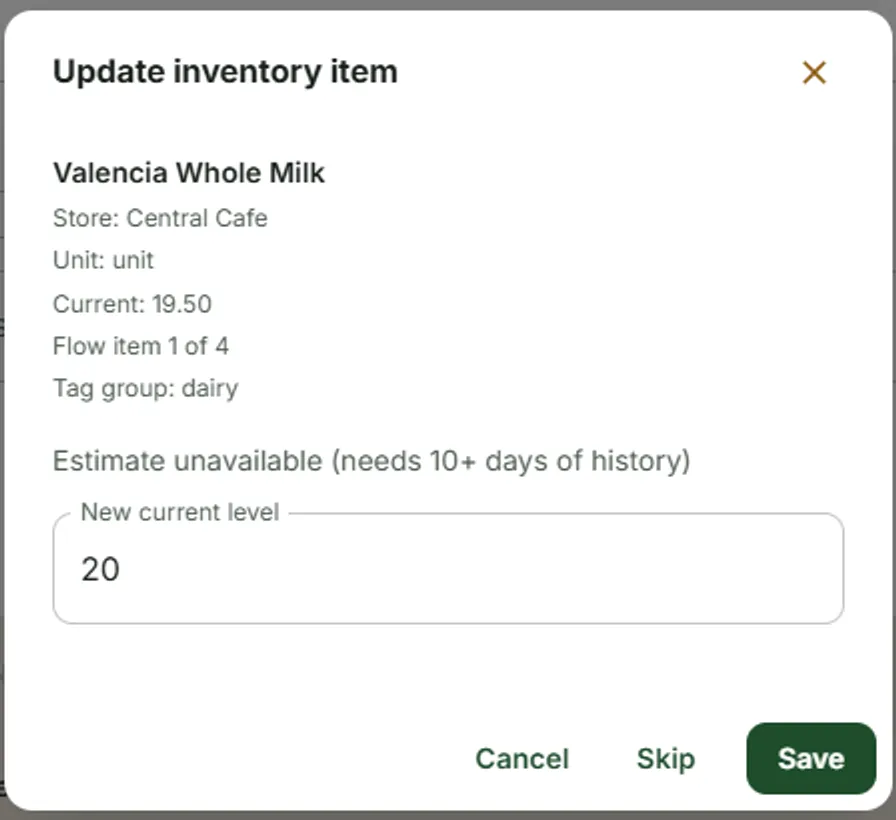
An inventory check is one person at one location putting a number against an item. What Handbook is opinionated about is the order it asks in.
The list is ranked rather than alphabetised: urgent first, then anything below its minimum, then the most overdue, then the fastest movers. Then, within that, items sharing a tag are visited back to back. Tag your items with where they live, which is what the template nudges you toward with headings like dairy and walk-in, or paper goods and back room, and the count follows you around the room instead of sending you back to the fridge four times. The dialog tells you which group you are in and how far through it you are.
That is a small thing that only somebody who has counted a walk-in at eleven at night would think to build.
The shopping list builds itself
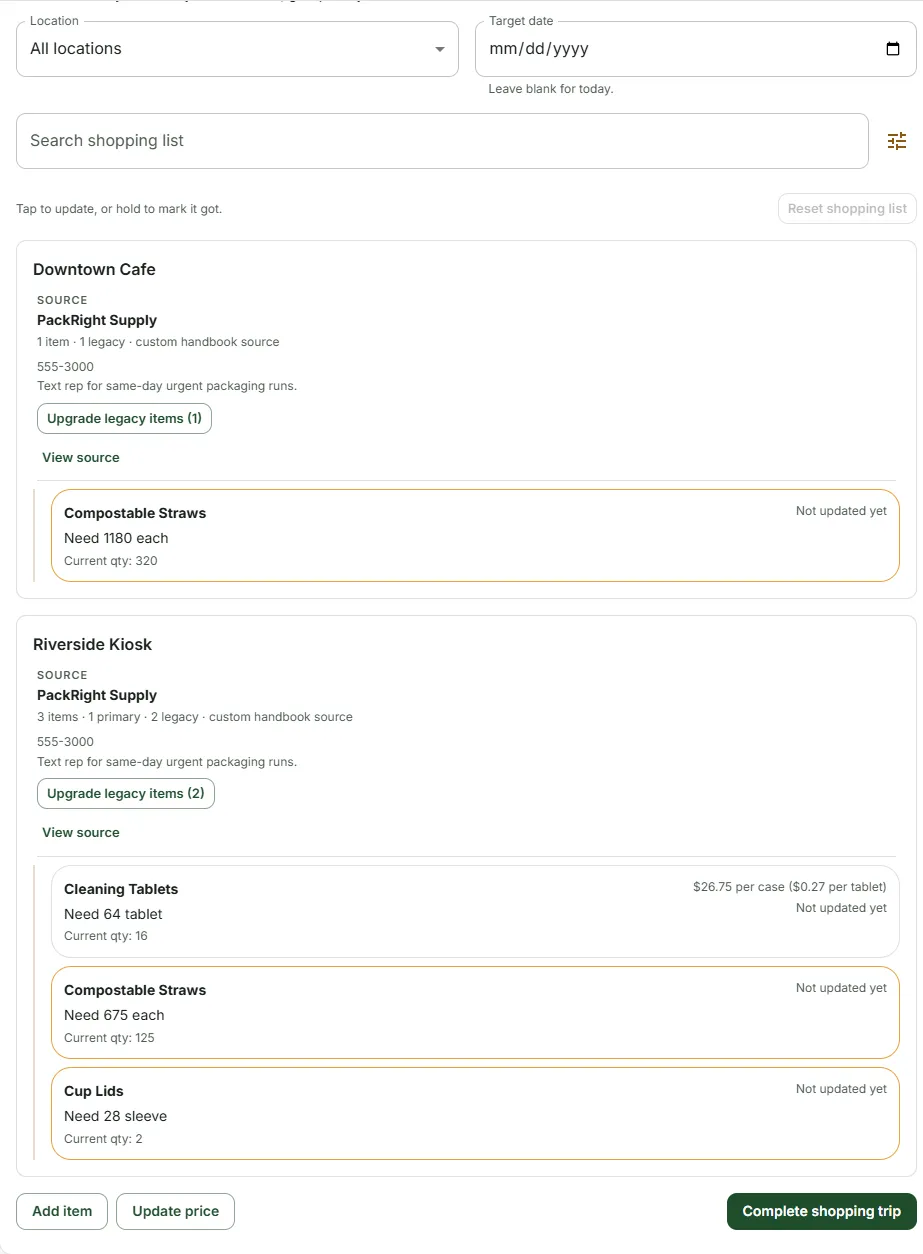
Nothing is added to the shopping list by hand. An item appears on it when it falls below its minimum, and the quantity suggested is whatever brings it back to its par level, or back to the minimum if nobody set a par. Set a target date and it uses the forecast instead of today’s count, so you can shop for Friday on Wednesday.
It groups by location and then by supplier, because that is the order you actually buy in. Prices show both ways, per the unit you buy and per the unit you count, which is the sum nobody does correctly in their head in an aisle. In the shop you tap a row to log what you got, or hold it to say you got the whole amount.
Completing the trip puts the quantities away, records what you paid, and leaves a record of what was needed against what was actually bought. The people who do the shopping are the people who see what the shop cost, which is not how it usually works.
Where the prices come from
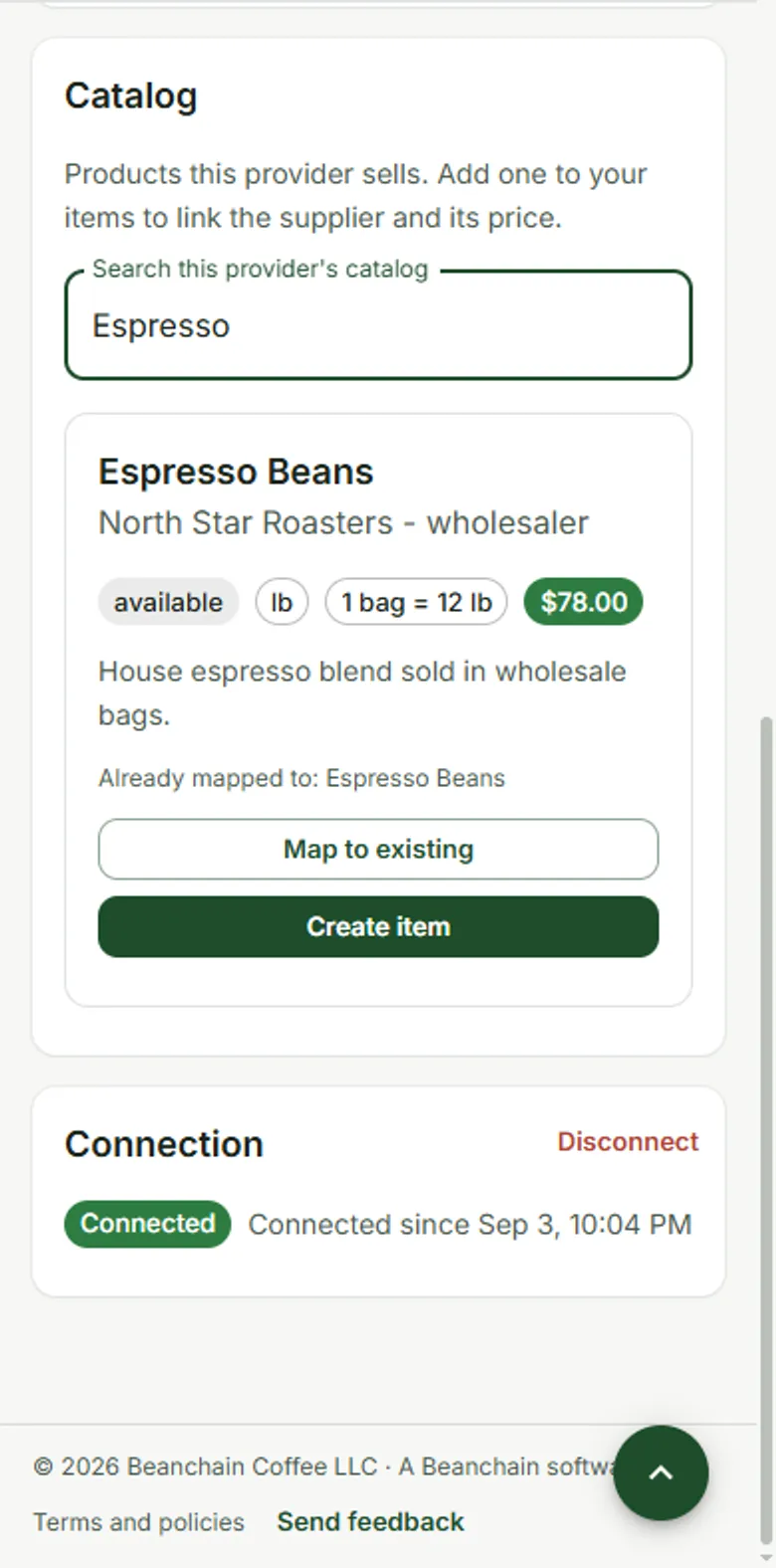
Every supplier has a page: how to order from them, which of your items they supply and at what price, and their catalogue if they are on the marketplace. An item can have several suppliers with one marked primary, and a location can override that, because the kiosk buys cups somewhere else.
Prices were the last number here that somebody still typed in after every delivery. Now you photograph the invoice, and a model reads it and pairs each line with an item you already stock, using the supplier’s own item number where it has seen it before. Then it stops. Every line is labelled with how the match was made, a person confirms or corrects each one, and nothing is written until they do.
That gate is not caution for its own sake. The first version of the matcher was measured against this shop’s real item list, pulled straight out of production, and it got 22 right, 30 wrong and 110 not matched at all. It was scrapped and redesigned on the strength of that number. Even the version that replaced it, tested against five real invoices from four of our suppliers, read one document photographed at an angle a row out of line and confidently paired a chocolate muffin with an orange cranberry one. A match is only ever as good as its key. That is an argument for a person confirming every line, not for a settings page promising to be careful.
The assistant follows the same rule. It can read the handbook and draft changes, and it is not allowed to apply one. Every change waits on a card until somebody approves it, and anything applied can be undone.
What it costs
Handbook is $30 a month per handbook plus $5 a month for each person on it, with a fifteen day trial and no card to start.
This one is not free, and on a site that gives the other two away that is worth saying plainly. It has running costs and people working on it, and a free promise we could not keep is the kind that quietly disappears in two years. Most of the businesses using it have no interest in cooperatives or worker direction or anything else on this website, which is the test we care about. It has to be worth paying for as operations software before any of the rest of it means anything.
A business only one person understands cannot be handed to anybody
Stage one of the plan is to hand a shop to the people working in it. The paperwork is the part nobody warns you about.
A business where only the owner knows how things happen cannot be given away, whatever the owner intends and however sincerely they intend it. There is nothing to hand over. The knowledge is in one head, and the day that head leaves, the new owners are running a different business badly. Writing it down is not administrative tidiness, it is the precondition for the whole thing.
Handbook does not lecture anybody about democracy and it would be unbearable if it did. It makes shared decisions possible by making the thing being decided about legible to everyone, which is the only kind of nudge that survives contact with a Tuesday. Scheduling is not in it yet, which is the gap people ask about most.
It is one of three tools that started as a problem in this shop, and you can see it at handbook.company.